
01
Begin with the passage
Use a selection for a focused revision, or work from the current document when the task needs more of the draft.
A passage to revise. A chapter to build on. Notes to refer to. Give your writing assistance something to work with, right beside your draft.
Part of the Skraib workspace, alongside Writers and Super Scribe.
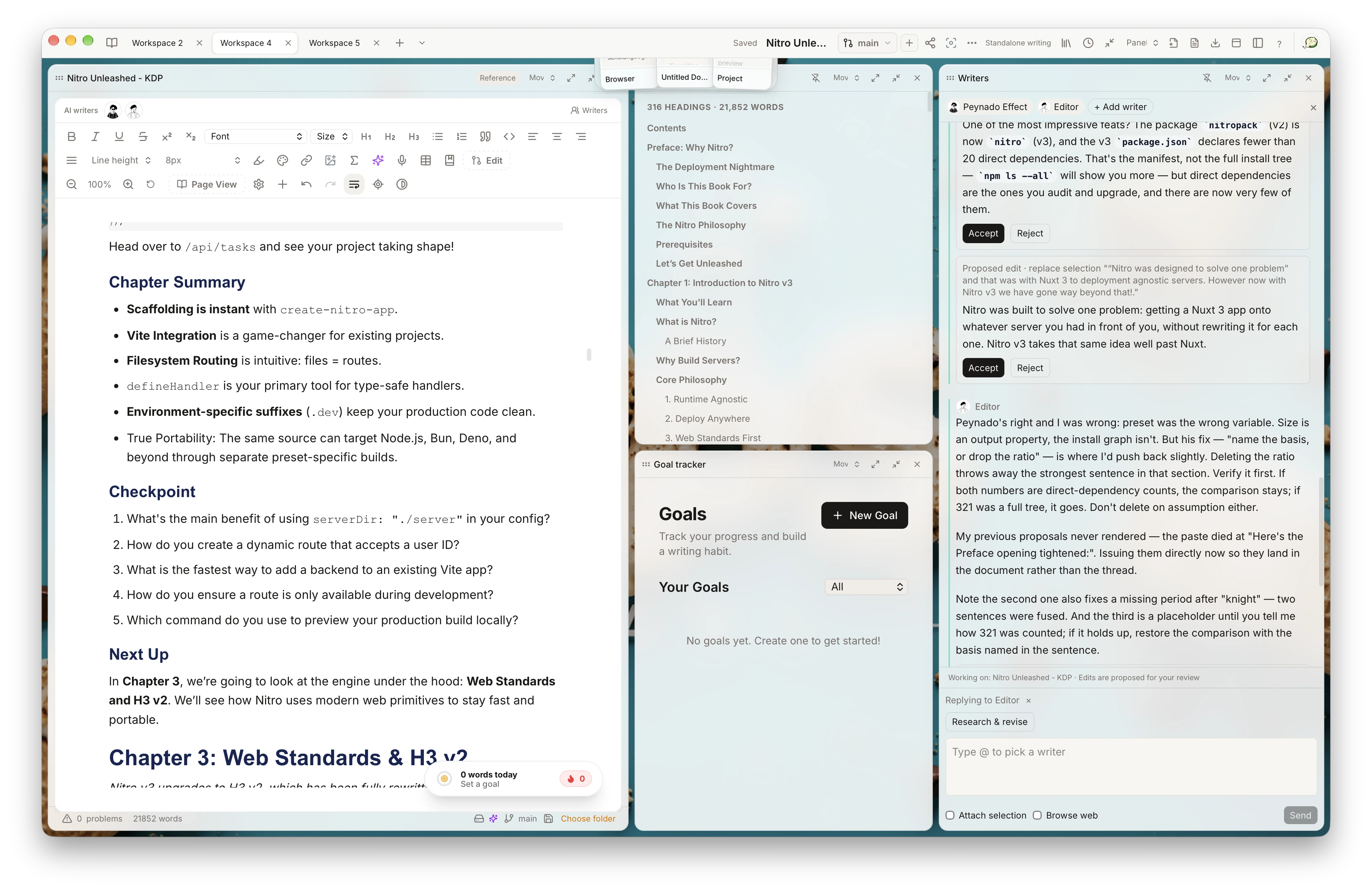
It connects the draft and the conversation. Use the material relevant to the task, then review the result in your writing workspace.
Use a selection for a focused revision, or work from the current document when the task needs more of the draft.
Organize chapters, notes, and imported documents in your workspace so you can return to the material behind your ideas.
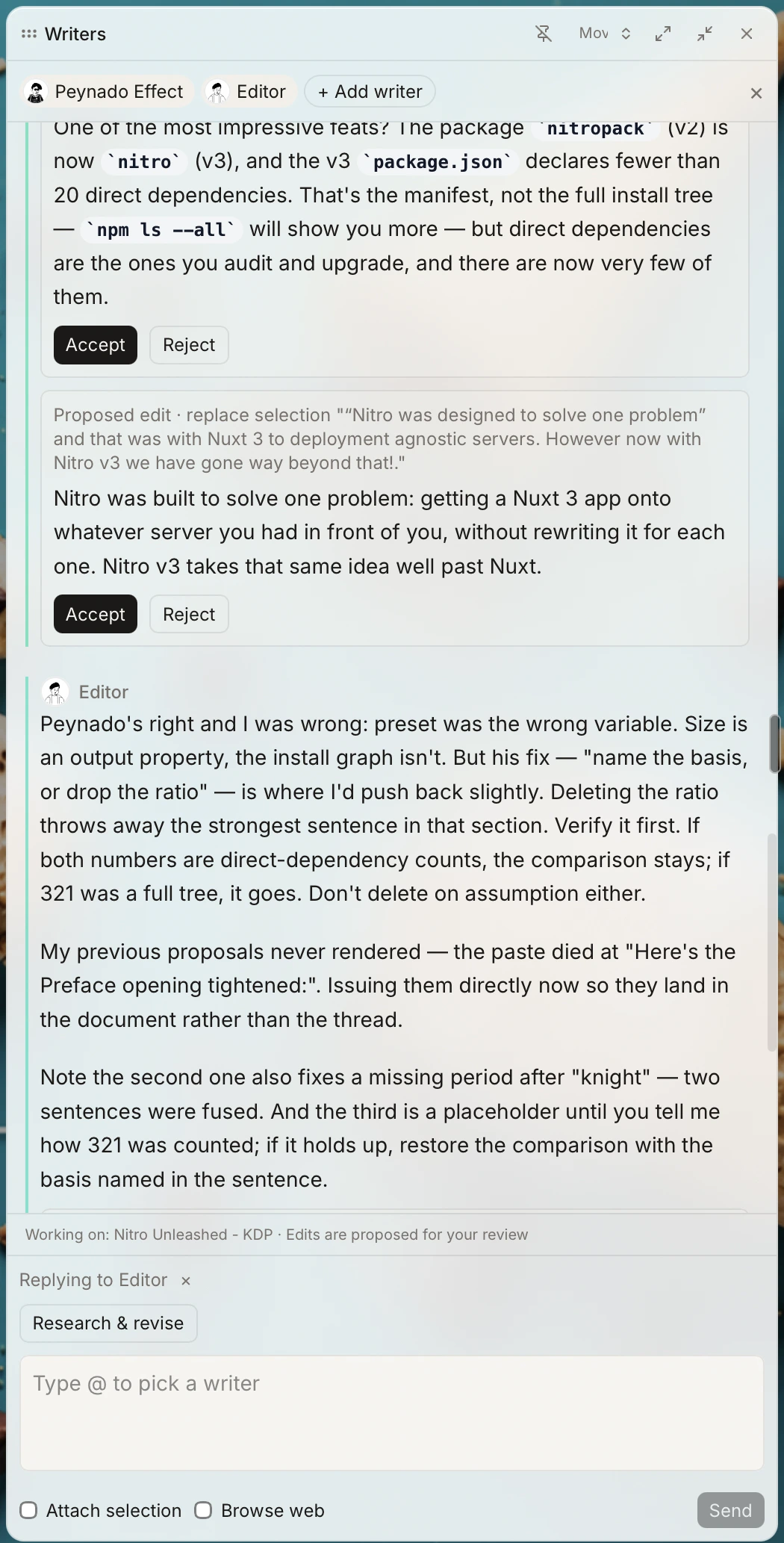
Tell your Writer what you want to explore or change. Review proposed edits before accepting them into your manuscript.
Ask for help with the writing in front of you: tighten a scene, explore an argument, or work through a difficult paragraph. The draft gives the task its starting point; your brief gives it direction.
Super Scribe uses the text around your cursor to offer suggestions. Related-document context can add relevant excerpts when enabled in your settings. You choose which suggestions to keep.
Write, ask, and review in the Skraib desktop app.
Download Skraib